
Your crosshair, drawn to the pixel.
A clean, steady crosshair overlay for any PC game. Pick a shape and color, check it in the live preview, center it in one click and keep it pinned while you play.
USD 1.99 · one-time purchase · Windows 10 (1809+) and 11
- Shapes
- Dot · plus · cross · ring · square · chevron
- Runs in
- Xbox Game Bar
- Profiles
- Per game, automatic
- Account · data
- None · none
Design your crosshair before you buy.
The same controls as the app's settings panel, drawing to whole pixels like the widget does. The loupe shows the aim point eight times over, so you can count them.
This is a browser preview. In the app you set the same crosshair, then pin it in Xbox Game Bar over your game.
Everything a crosshair needs. Nothing it doesn't.
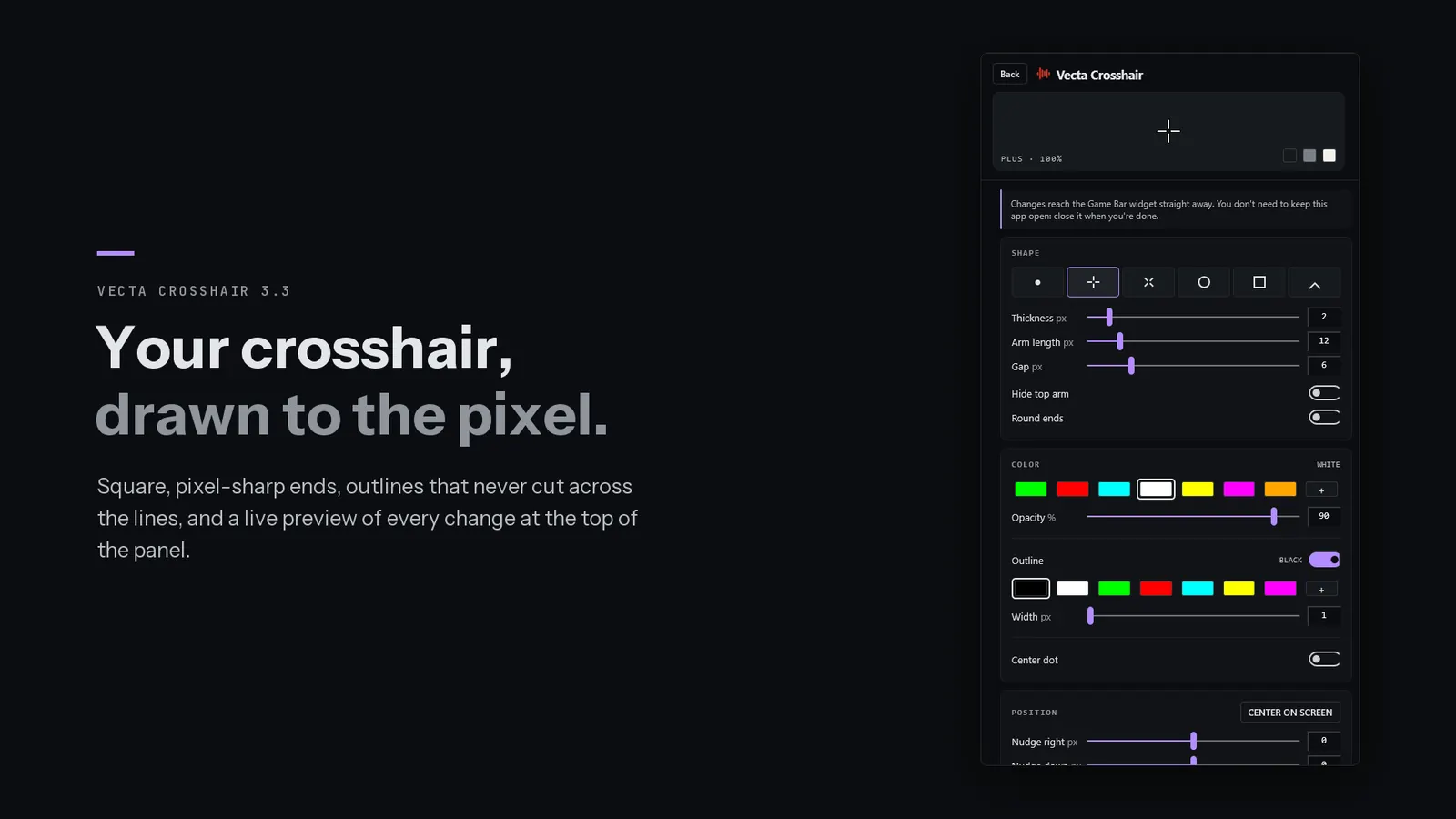
Square ends, crisp edges, outlines that never cut across.
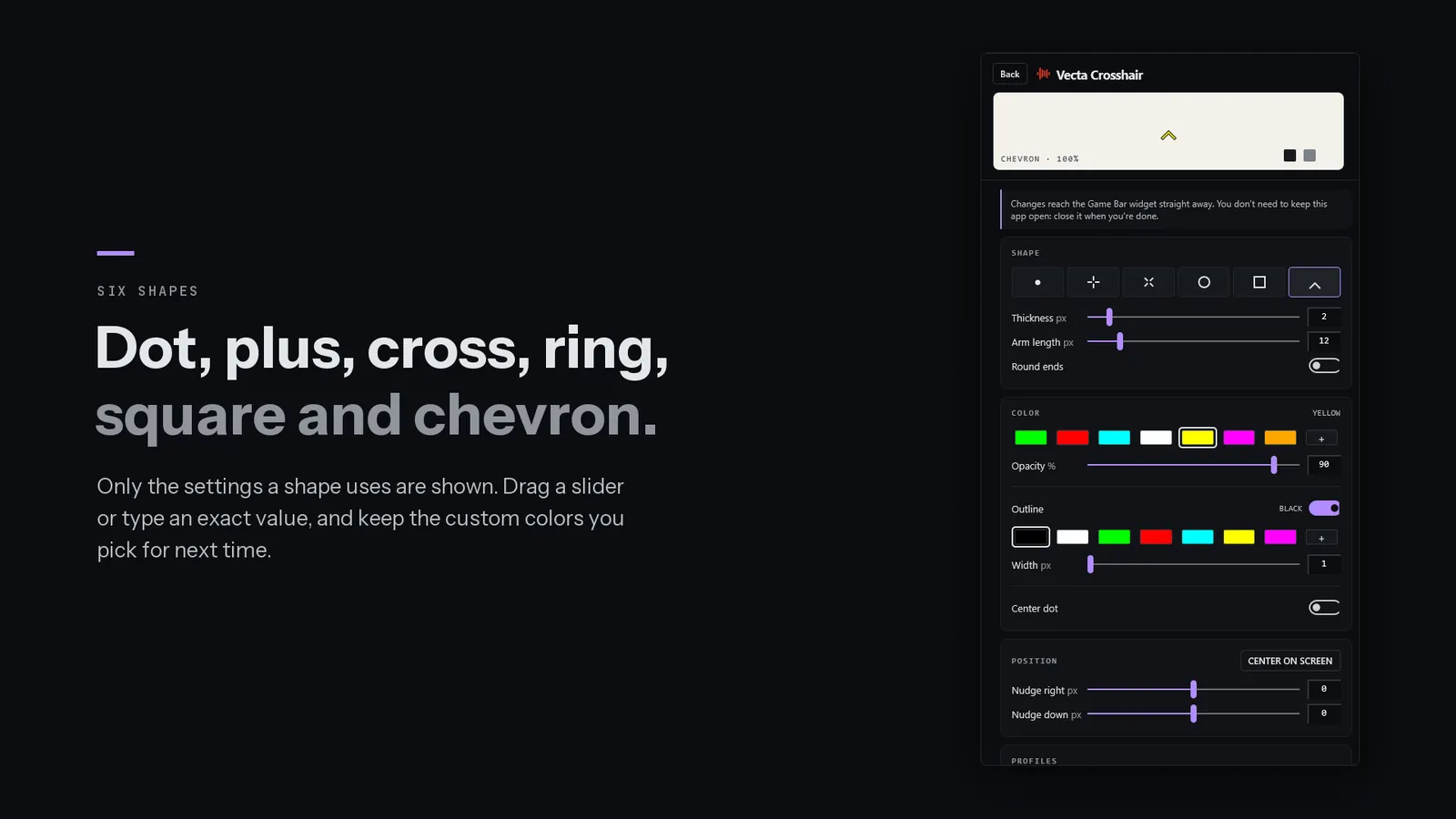
Six shapes: dot, plus, cross, ring, square and chevron. Lines have square, pixel-sharp ends, or round ones if you prefer, and edges line up with your screen's pixels so thin lines stay crisp. Outlines sit behind the whole crosshair, and opacity fades it evenly.
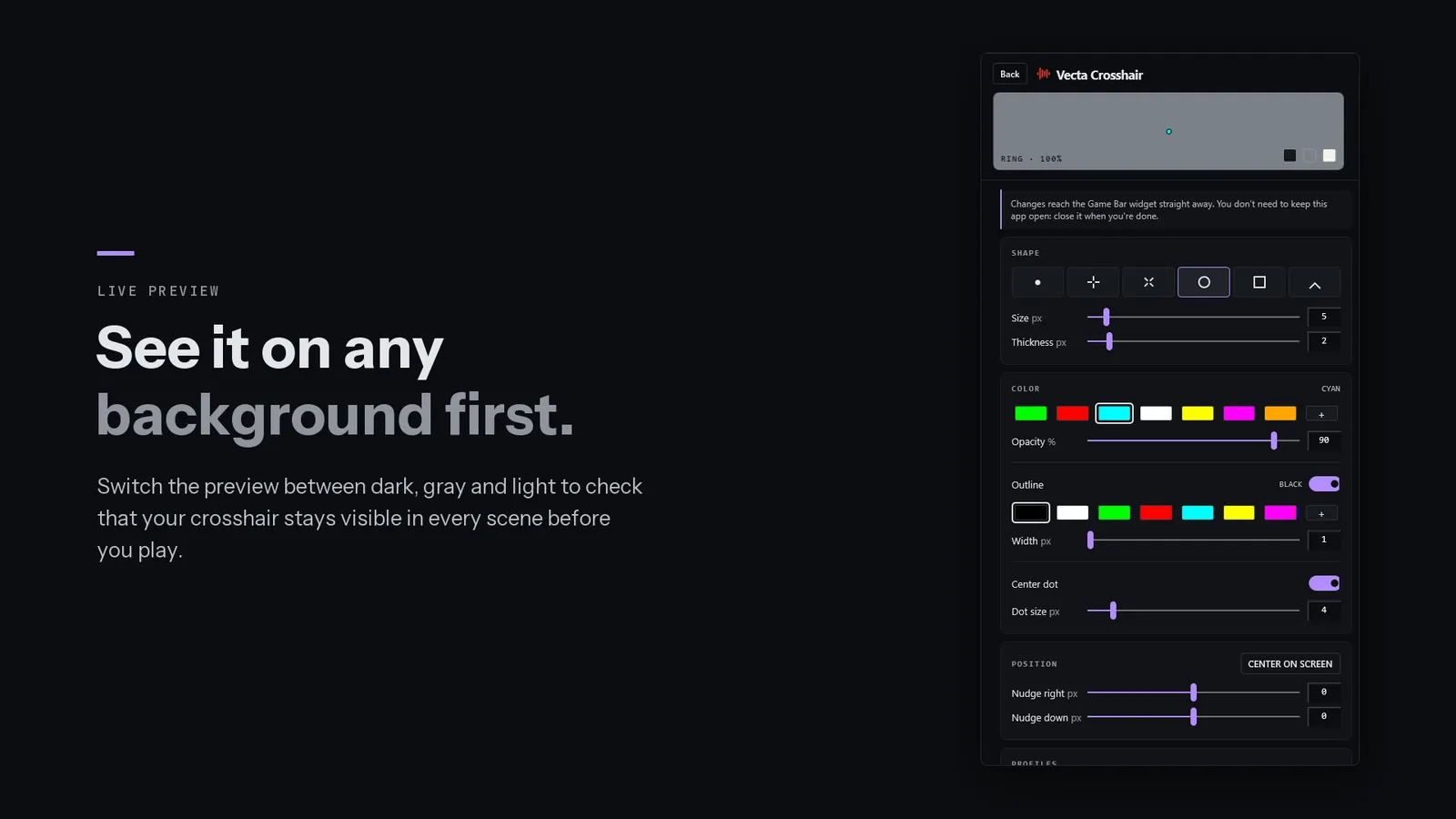
A live preview on dark, gray and light.
The settings panel shows every change as you make it. Switch the preview between a dark, gray and light background to make sure your crosshair stays visible in any scene.
One row per setting, and nothing extra.
Every setting is one row: a label, a slider and the exact value. Only the settings your shape uses are shown, and rarely used actions wait in a menu. Edit in Game Bar or in the app window; both change the same crosshair.
One click to the middle. One pixel at a time after that.
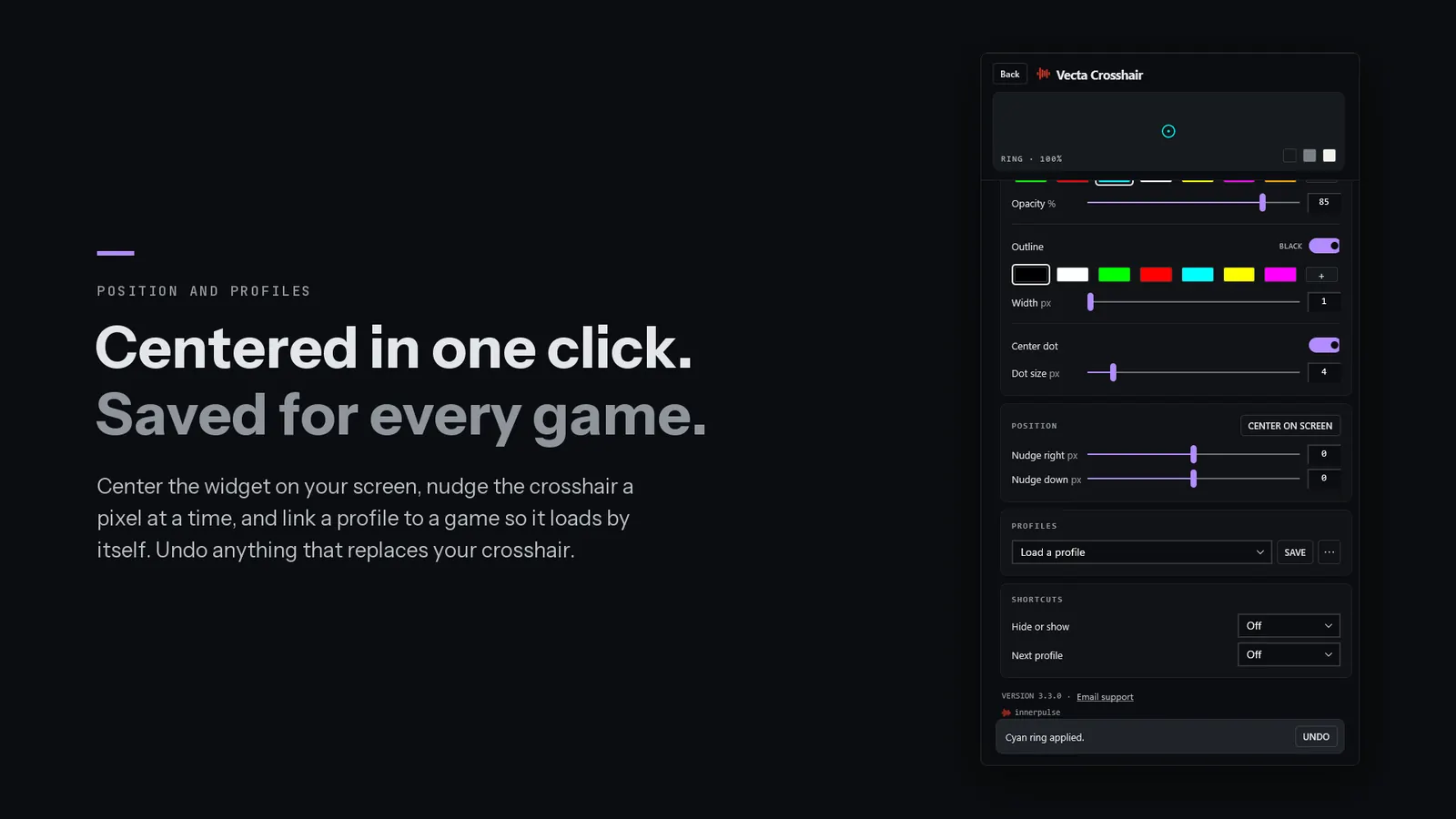
Center on screen moves the widget to the middle of your display. If your game aims a little off-center, nudge the crosshair a pixel at a time. Save it as a named profile, link it to a game, and it loads by itself whenever that game starts. Anything that replaces your crosshair can be undone.
Hotkeys
Optional shortcuts hide or show the crosshair and step to your next profile, without opening Game Bar.
Share codes
Copy your crosshair as a short code and paste codes from friends. Codes from earlier versions still work.
Private and offline
No account, no ads, no internet connection. Settings and profiles stay on your device.
Set up in a minute.
Five steps, then forget about it.
Click-through is the one people miss: without it, the widget catches your clicks.
- Press Win + GXbox Game Bar opens.
- Open the Widget MenuChoose Vecta Crosshair. A crosshair appears on screen.
- Pin the widgetSo the crosshair stays after Game Bar closes.
- Click Enable click-throughOn the widget, so your clicks reach the game instead.
- Center on screenIn the widget's settings (the gear), then close Game Bar and play.
Vecta Crosshair FAQ
Nothing appears when I open the app. Is it broken?
That's expected. The app window holds instructions and the crosshair editor; the crosshair itself runs in Xbox Game Bar. Press Win + G and add Vecta Crosshair from the Widget Menu.
My clicks stop working where the crosshair is.
Open Game Bar (Win + G) and click Enable click-through on the widget. Your clicks then pass through the crosshair to the game.
The crosshair disappears when Game Bar closes.
Pin the widget with the pin icon on its title bar while Game Bar is open. Pinned widgets stay on screen after Game Bar closes.
It doesn't show in my full-screen game.
Switch the game to borderless or windowed full-screen mode. Exclusive full-screen can hide Game Bar overlays.
Can I have a different crosshair for each game?
Yes. Save a profile, then, while the game is running, open settings and choose Use this profile for this game. It loads by itself whenever that game starts.
Will my old share codes still work?
Yes. Version 3.3 reads codes from every earlier version, and your existing crosshair and profiles carry over and look the same.
Does it work on Windows 10?
Yes: Windows 10 version 1809 or later, and Windows 11, on x86, x64 and ARM64 PCs.
Aim steady. Play clean.
Vecta Crosshair is USD 1.99 on the Microsoft Store: a one-time purchase, updated by the Store.